The Sharp Professional Blog | AI Productivity Resources for Working Professionals
A Practical 5-Day AI Prompt System for Experienced Professionals Who Want to Work Faster—Without Becoming a Tech Expert

If you've spent years building real expertise in your field, AI tools can feel like an odd fit at first. Many capable, experienced professionals try a tool like ChatGPT, get back something generic or unusable, and conclude it simply isn't for them.
Usually the issue isn't the tool. It's the instructions. AI responds to how it's asked. A vague request produces a vague result. A clear, well-structured request — one that gives context, states the task, specifies the format, and sets constraints — tends to produce something genuinely useful.
That's the idea behind this guide: a simple, repeatable prompting method built specifically around the kind of reports, emails, and analyses that fill an experienced professional's week.
Here's how the method came together, and what's inside it.
A practical AI prompt system for the reports, emails, and analysis already on your desk—built for experienced professionals.
To show how the method works in practice, here's a composite scenario based on how professionals in operations, finance, and client-facing roles commonly describe their week — not an account of a specific individual.
Consider "Femi," an operations manager with over a decade of experience. He's good at his job and knows his processes inside out, but certain recurring tasks — a weekly reconciliation report, client update emails, a monthly variance analysis — eat up disproportionate amounts of his time. Like a lot of experienced professionals, he'd tried a few AI tools on his own and found the output too generic to use as-is.
The turning point in this scenario came from a simple reframe: instead of typing a one-line request into an AI tool, "Femi" started giving it a structured brief — the same way he'd brief a capable junior colleague. He called it the C.T.F.C. formula.
C.T.F.C. is a simple, repeatable method for writing clearer AI prompts. Once you know it, the same approach applies to almost anything you'd normally hand off to AI — reports, emails, analysis, briefs. The full breakdown, with worked examples, is inside the guide.
Applied consistently, this kind of approach can meaningfully cut down the time spent on repetitive report-writing and correspondence — though results will vary depending on the task, the tool, and how the method is applied.
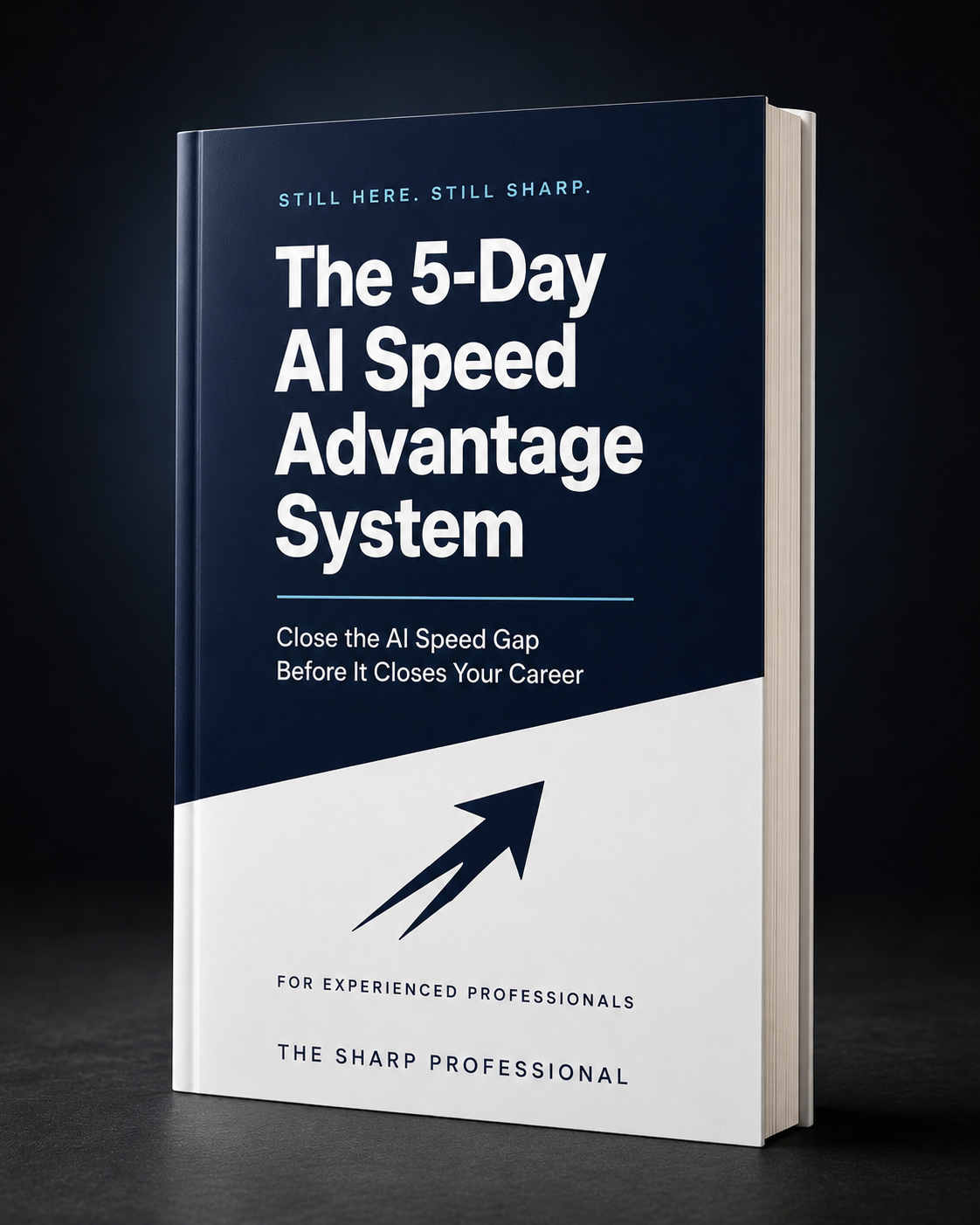
Here is what you will find inside:
A structured self-assessment to help you identify which of your recurring tasks are taking up a disproportionate share of your time, so you know where to focus first.
A simple, repeatable method for writing clearer AI prompts — applicable to reports, emails, analyses, and briefs. Full breakdown and worked examples inside.
Pre-built prompt scaffolding for 7 common corporate task types, so you can apply the formula to your most time-consuming deliverable right away.
9 prompts for higher-stakes communication — pushing back on unrealistic deadlines, delivering difficult updates to clients, and reporting on underperforming projects to leadership — written to read the way an experienced professional would write them.
A template for building your own personal library of 10 to 15 role-specific prompts covering the bulk of your weekly workload, tailored to your actual job.
A short weekly AI workflow to help you set up your working week in advance, before the week's demands take over.
A checklist to help make sure your improved output is formatted and framed clearly for the people who need to see it.
A simple place to note what changes for you across the 5 days, so you can see your own before-and-after rather than someone else's.
What readers are telling us
“It is very hands-on — it doesn't just hand you prompts, it teaches you how to build one for any situation using the C.T.F.C. formula. It's clear the author has in-depth experience of the corporate world. The guide also helped me with prioritising my tasks, because it gave me a fresh look at what my work actually looks like. The checklists work too.”
“This is a very useful guide.”
Pricing
This guide was developed and refined over time based on real use of the C.T.F.C. method across common workplace tasks. It's priced to be accessible for individual professionals rather than positioned as an enterprise training product.
Start with one task this week. The guide gives you a clear method for doing it.
Included with your purchase
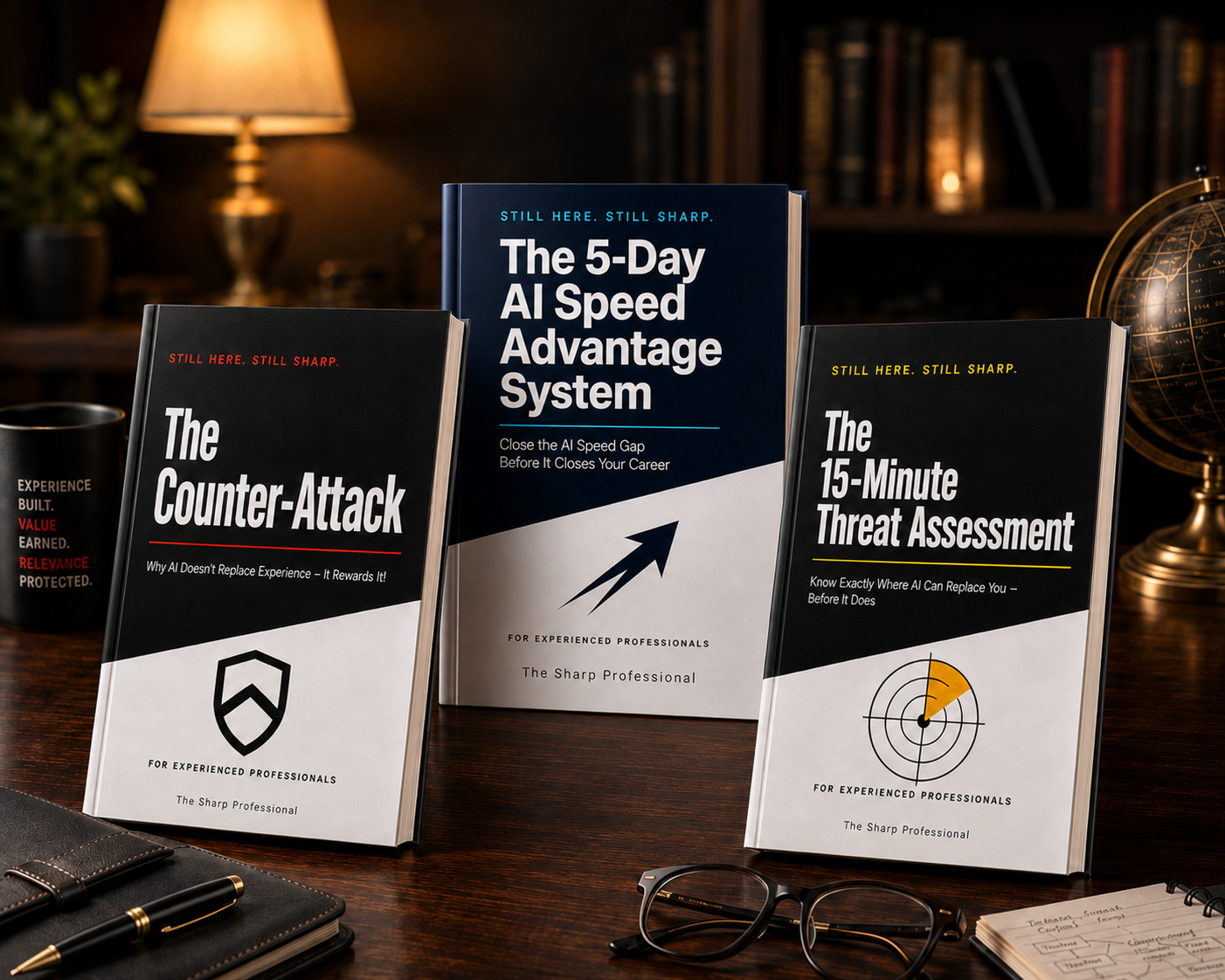
Two additional short guides are included with every purchase, at no extra cost:
The Counter-Attack: Why AI Doesn’t Replace Experience — It Rewards It
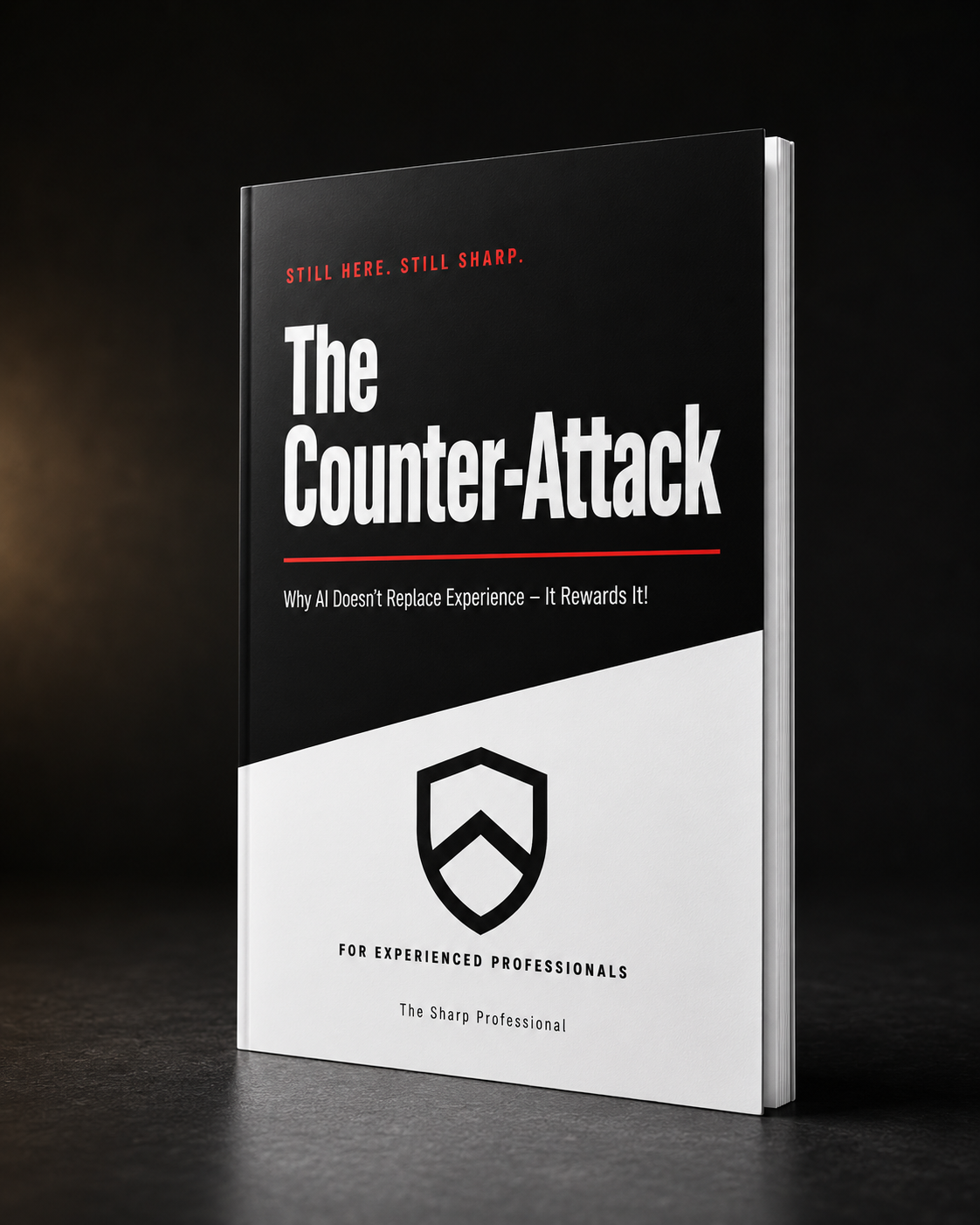
A short guide on how domain experience combines with AI speed, with practical suggestions for making your expertise visible as part of your day-to-day output.
The 15-Minute Threat Assessment
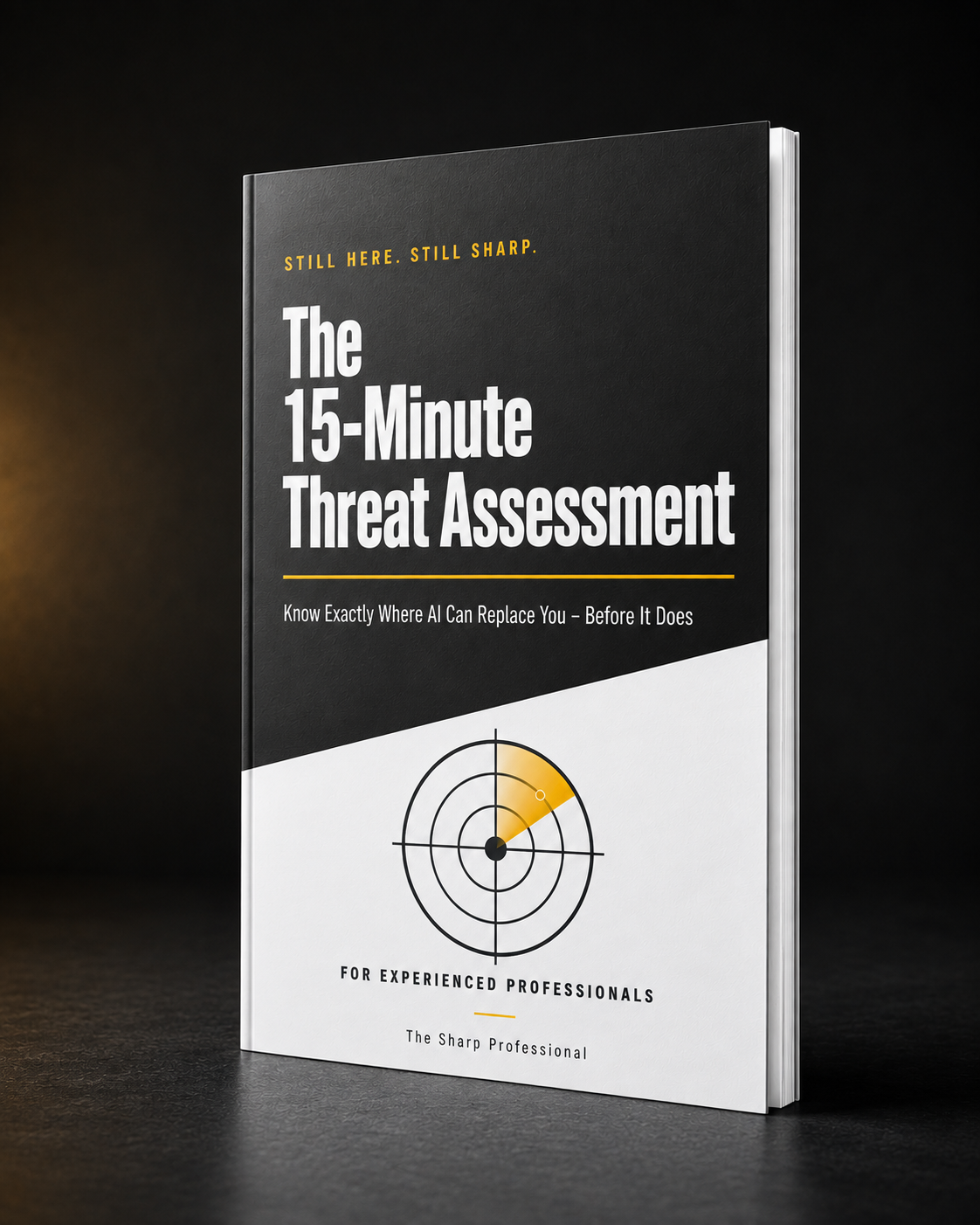
A short self-assessment exercise to help you think through which parts of your role are more and less exposed to AI-driven change, and what to consider doing about each.
30-Day Guarantee
Open the guide, follow Day 1 through Day 5, and use the prompts on your own real work for at least 7 days.
If you've genuinely tried it for that period and it isn't useful to you, reach out within 30 days with the prompt and output you used and we'll refund you in full.
Two ways to approach this
Try the method on your real work.
Get the guide, follow Day 1, and apply the prompts to a report or email that's already on your desk. See for yourself whether it changes how long that task takes.
Keep working the way you currently do.
That's a reasonable choice too — not every tool fits every workflow. If you'd rather explore other resources first, that's completely fine.
If this sounds like something that could help your week, the guide is one click away.
Or pay via Nestuge · 30-day guarantee